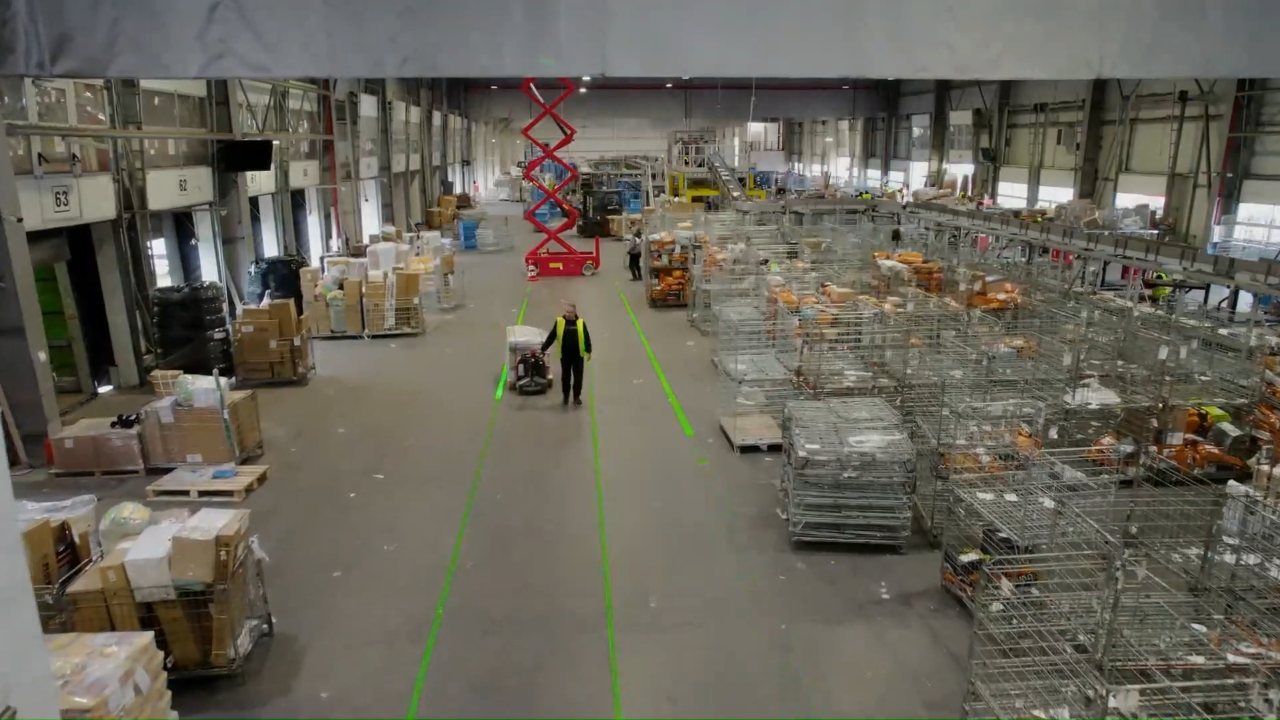

Warehouse Optimization Software
Warehouse Optimization Software
A digital twin of your warehouse that finds where time and space are lost, and tests every fix before you make it.
 Featured technology: WareBee
Why Optimize
Your order history already knows the answer
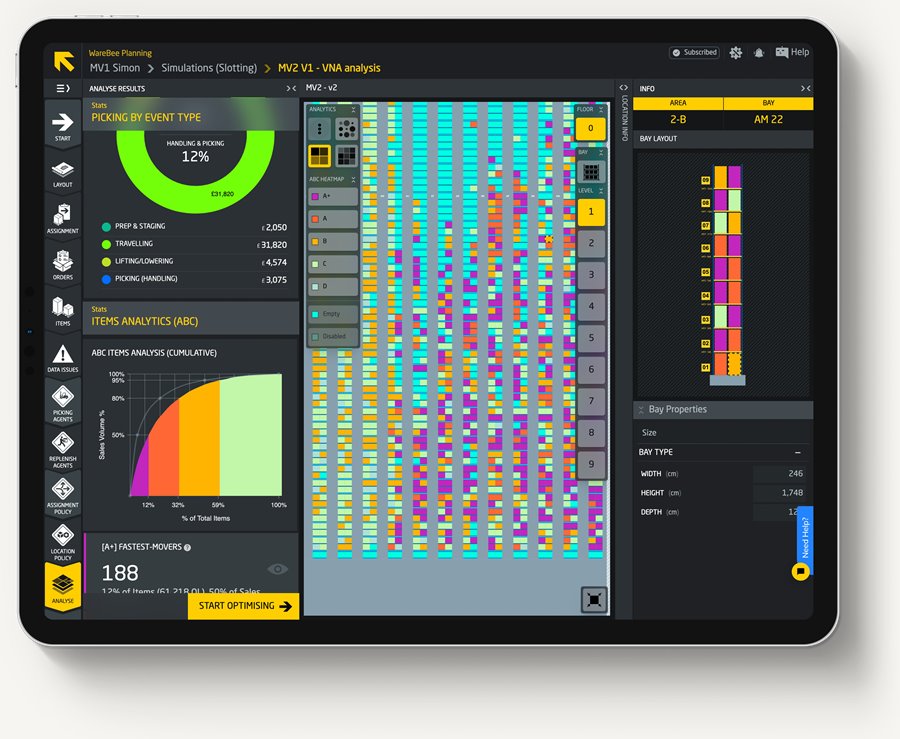
Most warehouses are slotted once and then left to drift. Fast movers end up in the back, pickers walk past empty space, and nobody can see it. The software reads the data your WMS already keeps and shows where time and space go.
How It Works
From your data to better decisions
It sits on top of the WMS you already run. There is no IT project to start, and nothing on the floor changes until you approve it.
- 01
Connect
Export layout, items, stock, and order history from your WMS or ERP.
- 02
Model and analyse
A digital twin shows where travel, space, and labour are lost.
- 03
Optimise and execute
Approved moves go back to your WMS and your team to carry out.
Application Explorer
What do you want to improve?
Pick a goal to see the capabilities that address it.
Your goal
Cut Picker Travel
Re-slot items by how they actually move, and rebuild pick routes to cut walking time.
Your goal
Plan a Layout
Model the building, racking, and aisles, then test the layout against your real order history.
Your goal
Test Before Investing
Replay your orders against each change, from new slotting to automation, and compare cost, travel, and utilisation.
Your goal
Plan Staffing & Peaks
Forecast the workload by zone and shift and convert it into the people and equipment you need.
Results depend on your data, layout, and processes. Figures quoted are WareBee’s published case results.
Capabilities
Explore the software
Four capabilities, used together or one at a time.
Slotting Optimization
Re-slotting and pick routes
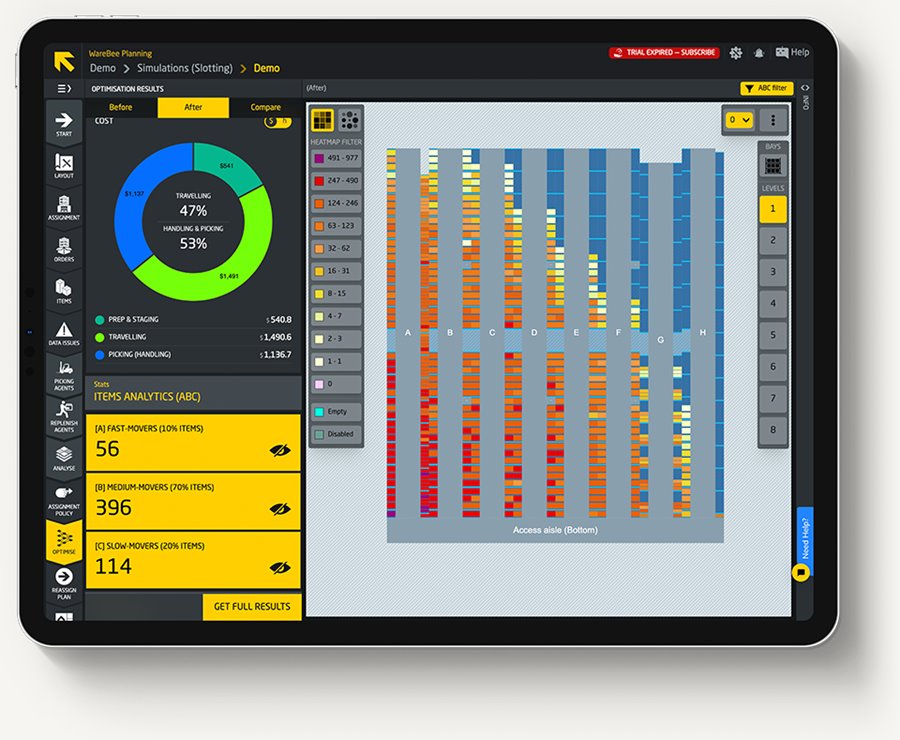
Place every item where it cuts travel the most, within your storage rules.
Explore →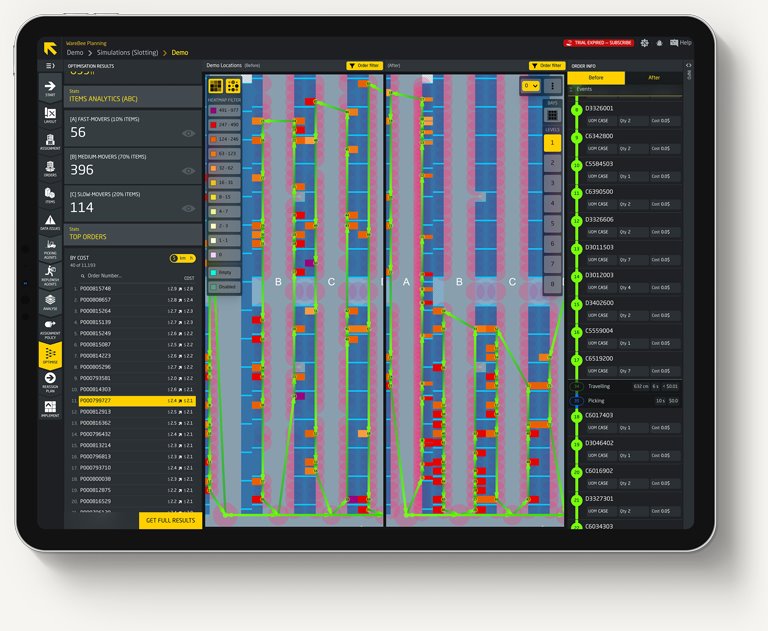
Layout Design & Digital Twin
3D model of your warehouse
Build a living 3D model of the building, racking, and aisles, fed by your data.
Explore →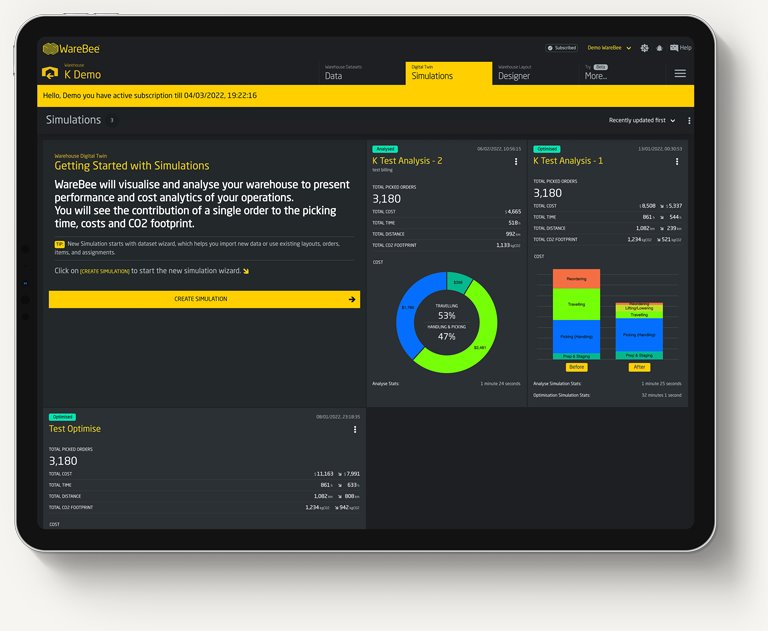
What-If Simulation
Test changes before you make them
Replay your order history against every candidate change and compare the results.
Explore →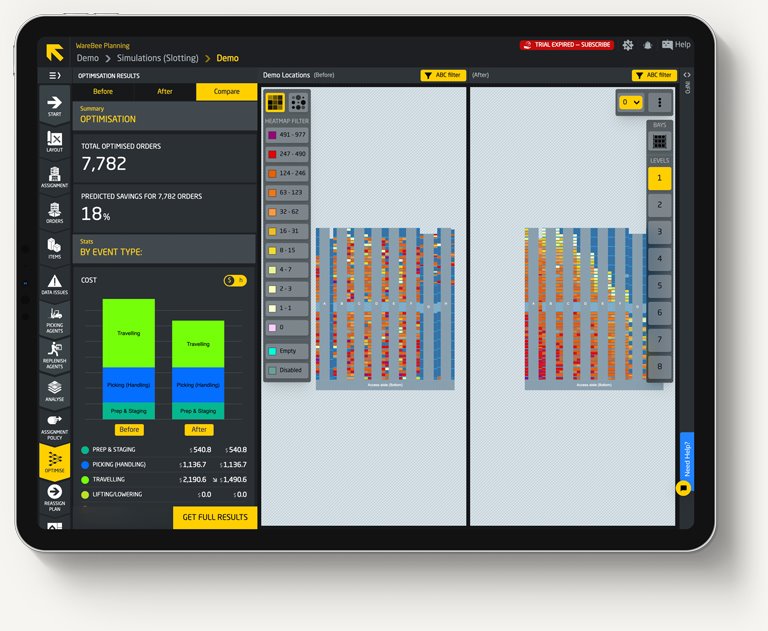
Labour Planning & Analytics
Staffing, KPIs, and CO2
Turn forecast workload into staffing per zone and shift, and track performance.
Explore →Before & After
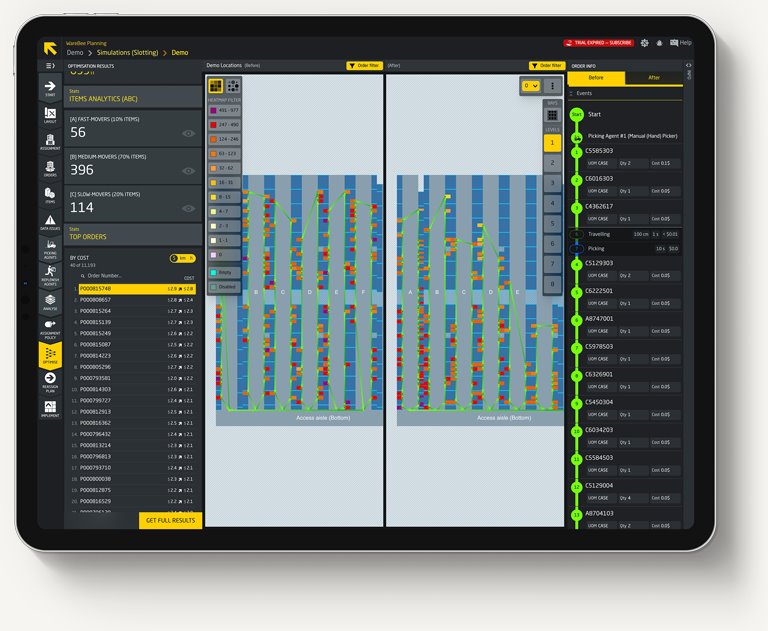
Shorter pick routes, proven before anything moves
The same orders are replayed against today’s layout and the optimised one, side by side. You see the walking saved per route before a single carton is relocated.
Results reported in WareBee customer case studies. Your results depend on your data, layout, and processes.
Where It Fits
WMS, WES, WCS, and optimization
Warehouse software comes in layers. Knowing which does what makes it easier to choose and to integrate.
WMS · Warehouse Management System
Manages inventory, orders, and warehouse operations. WareBee sits on top of it and sends recommendations back for it to execute.
WES · Warehouse Execution System
Coordinates work across people, systems, and automation in real time.
WCS · Warehouse Control System
Controls automated equipment such as conveyors, AS/RS, AGVs, and sorters in real time. DeRosa integrates these layers end to end.
System Integration
Connected to your systems and floor
Optimization only pays when changes reach the floor. DeRosa connects the analysis to your WMS, your equipment, and your team.
- 01
WMS / ERP data
Layout, items, stock, and orders by export or API.
- 02
Digital twin & AI
Analysis, optimization, and simulation in the twin.
- 03
Recommendations
Slotting moves, picking policies, and staffing plans.
- 04
Execution
Your WMS and team carry out the approved changes.
Data needed
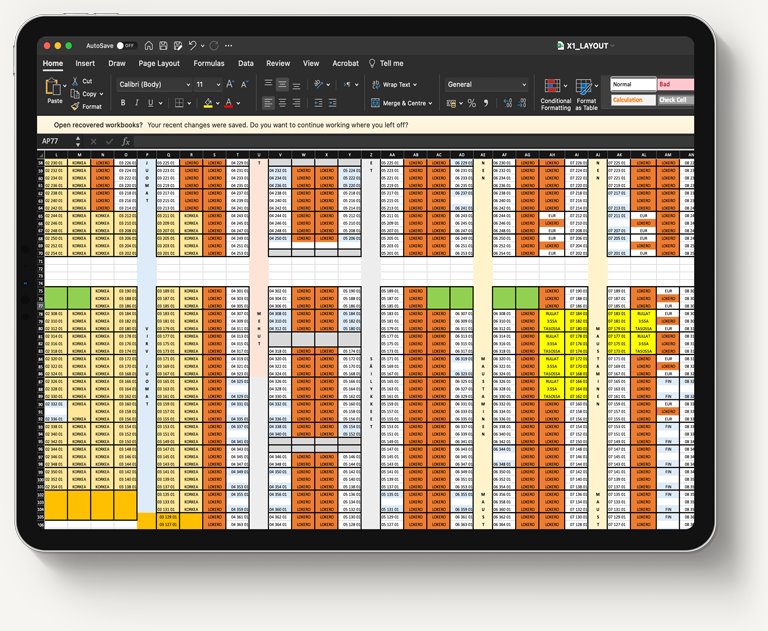
Basic CSV or XLS exports of layout and locations, item master, stock, and order or activity history. Imports use guided wizards.
Integrations
A universal WMS API accepts REST, scheduled exports, or a CSV upload. WareBee lists 100+ supported WMS.
Security
WareBee states data is encrypted in transit and at rest.
Timeline
Per WareBee: getting started takes less than a day, a first analysis about an hour, and a full optimization run a few hours.
Find the savings in your data
Send us a sample of your layout and order data, and we’ll show you where your warehouse loses time and space.